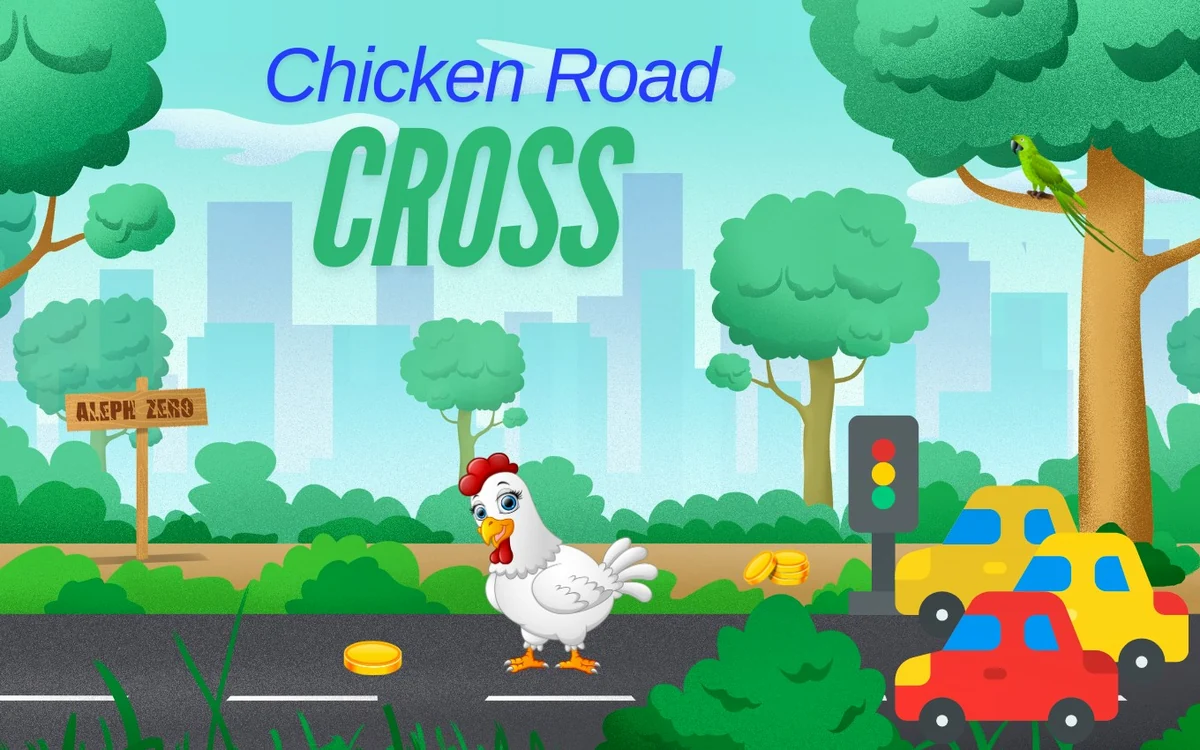
The next square beats the distant finish
Keep the plan small. Looking all the way across the road can make a close vehicle disappear from your attention, even when the distant route seems open enough to invite a long run of taps.
A pause can be a decision. Before moving again, check whether your new position leaves a useful escape and whether the traffic you already watched has changed the gap you meant to use next.
Coins are a detour, not an instruction
Leave the awkward coin behind. A pickup only improves an attempt if you can reach it without walking into a collision, so compare the safe route with the extra movement it asks you to make.
Learn the input before chasing distance. The source describes tapping or swiping, and a few deliberate moves will tell you more about the current touch layout than a frantic opening run followed by an unexplained crash.
Make a restart tell you something
Name the mistake once. If you were hit, decide whether you moved too soon, followed a coin or stopped looking at the next lane, then change just that choice when the next attempt begins.
What to do with your hands
| Input / rule | What it does |
|---|---|
| Tap / swipe | Move according to the game’s on-screen layout |
| Restart prompt | Begin another attempt after a collision |
Three things to keep in mind.
Original MolaPiko diagrams explain decisions. They are not screenshots or a reproduction of the game screen.
When an attempt goes sideways.
Repeated taps without checking
Re-read traffic after each move.
Following every coin
Keep the safe route when a pickup demands a risky detour.
Blaming only reaction speed
Check whether the landing space was unsafe before you moved.
The reason. And the catch.
A good choice for a quick, readable challenge. The actions are small and the reason for a mistake is often visible, but repeated collisions can feel repetitive if you keep the same route and expect timing alone to rescue it.
- +
- A familiar goal with short attempts and clear consequences.
- −
- Traffic requires attention; short rounds do not guarantee a calm game.
Choose it for
Players who like spotting a gap and committing to it.
Try another if
Anyone wanting an idle game that continues without attention.
Before you open the game.
Is it a browser game?+
Yes, GamePix lists a browser edition. Open the source page and check its loading screen and device controls, since advertising, connection quality and the platform’s own interface can affect how quickly the game becomes usable.
Who is the developer?+
The selected page does not name one. It lists GDevelop as the engine, which describes a creation tool rather than proving that the company behind that tool designed this particular crossing game.
Should I collect every coin?+
No, survival comes first. Treat a coin as an optional route change, and leave it alone when reaching it would place the chicken in traffic or remove a safer path you already identified.
Where these notes come from
We separate published facts from suggested tactics. Device and control notes come from the linked edition; our opening sequence, mistake checks and conclusion are editorial reasoning, not a claim of a complete personal playtest.
GamePix — Chicken Road Cross